
Connect Reliably Without Constant Troubleshooting
WiFi & Network Support in Goldsboro, NC for slow connections, dead zones, and devices that drop off without warning
P.C. Tamers provides WiFi and network support for homes and small offices in Goldsboro, troubleshooting routers, modems, and device connectivity to resolve slow speeds, signal dropouts, and configurations that leave some rooms without coverage. You need help when streaming buffers constantly, video calls freeze mid-conversation, or certain devices refuse to stay connected despite showing full signal bars.
The troubleshooting process checks physical connections between modem and router, verifies firmware is current, and tests signal strength throughout your space to identify interference or dead zones. Slow internet often results from outdated router settings, interference from neighboring networks, or bandwidth throttling by the service provider, all of which require different solutions. Device connectivity issues stem from incorrect network passwords, outdated wireless adapters, or IP address conflicts that prevent new devices from joining the network.
Reach out to P.C. Tamers to schedule network support in Goldsboro and stop losing time to connection problems that interrupt work or entertainment.
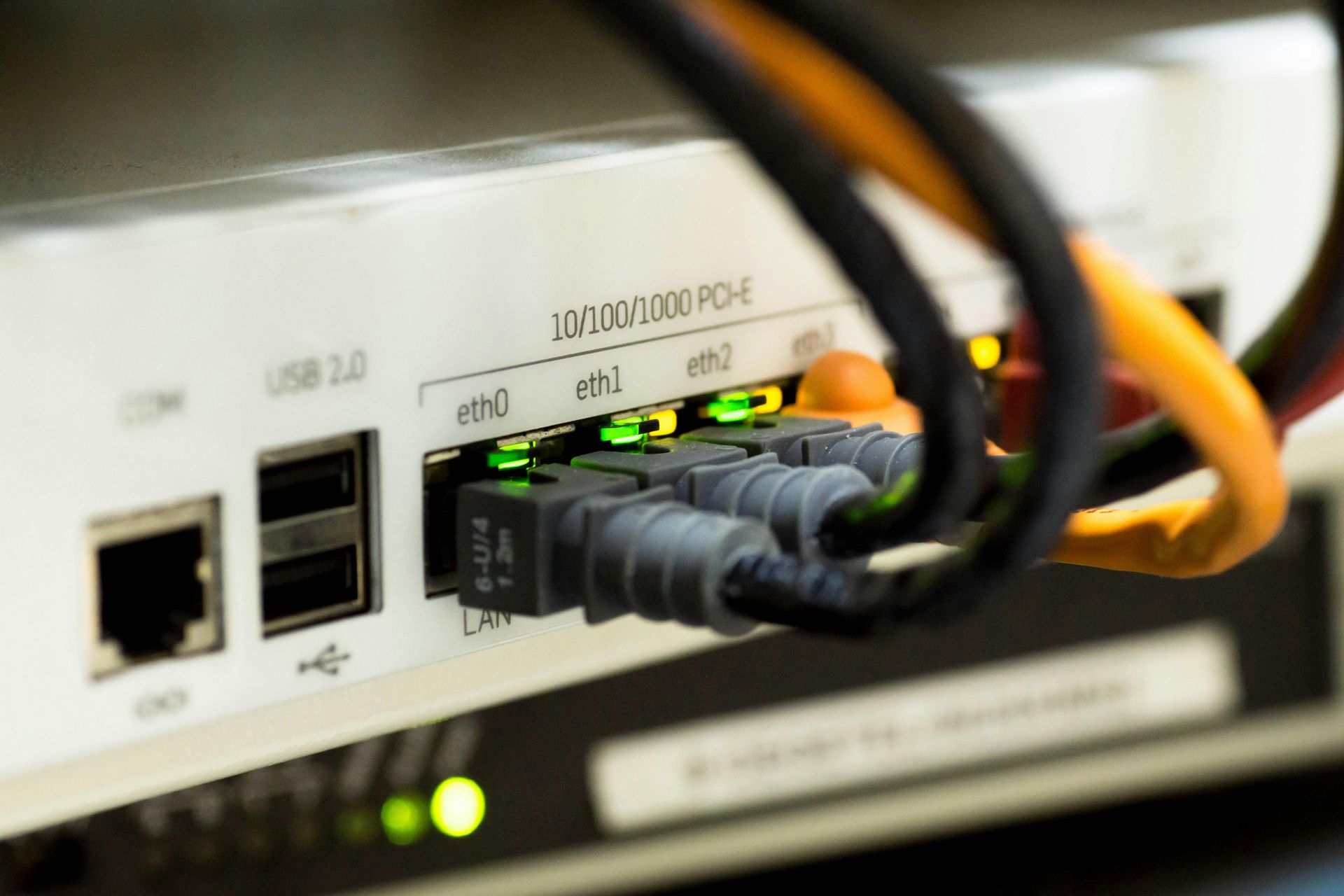
Optimization Steps That Improve Daily Performance
You describe where coverage fails, which devices struggle to connect, and when speeds drop below usable levels. The technician walks through your space with diagnostic tools, measuring signal strength in each room and checking for interference from microwaves, cordless phones, or neighboring WiFi networks operating on the same channel. Router placement gets adjusted to reduce obstacles between the device and high-use areas, and channel settings are optimized to minimize overlap with nearby networks.
After optimization, your devices connect immediately when entering WiFi range, speeds remain consistent across rooms that previously had weak signals, and streaming or video calls run without buffering or lag. Secure network setup includes changing default administrator passwords, enabling WPA3 encryption where supported, and creating guest networks that isolate visitors from your main devices. P.C. Tamers tests the network after configuration, verifying that all devices reconnect automatically and speeds match what your internet plan should deliver.
Performance improvements also involve updating router firmware to fix known bugs, adjusting quality-of-service settings to prioritize work or streaming traffic, and disabling outdated security protocols that slow connections. The service does not include running new ethernet cable through walls, installing commercial-grade access points, or troubleshooting issues caused by the internet service provider's infrastructure outside your property.
Network Support Questions Answered
Homeowners and small business owners in Goldsboro dealing with WiFi frustration want practical solutions that do not require constant reboots or tech support calls.
What causes slow WiFi even when the internet plan is fast?
Router placement in basements or closets, interference from nearby networks on the same channel, outdated firmware, or too many devices competing for bandwidth all reduce speeds even when the connection from your provider is strong.
How do I fix dead zones in certain rooms?
Moving the router to a central location, adjusting antenna angles, or adding a wireless extender can improve coverage, though thick walls and metal ductwork sometimes require mesh systems for reliable signal throughout larger homes.
Why do some devices disconnect randomly in Goldsboro?
Outdated wireless drivers, power-saving features that turn off adapters to save battery, or IP address conflicts between devices cause random disconnections that resolve temporarily with reboots but return without proper configuration changes.
What is a secure network setup?
Changing default login credentials, enabling WPA3 or WPA2 encryption, disabling WPS, and creating separate guest networks prevent unauthorized access and isolate visitors from your personal files and devices.
How long does network troubleshooting take?
Simple fixes like changing channels or updating firmware take under an hour, while diagnosing intermittent dropouts or configuring multiple access points for coverage can extend to two or three hours depending on space size and complexity.
P.C. Tamers delivers WiFi and network support across Goldsboro, fixing connectivity issues and optimizing performance so your internet works the way it should without constant interruptions.