
Choose and Configure the Right System
New Computer Consultations & Setup in Goldsboro, nc for buyers uncertain which specifications match their actual workload and budget
P.C. Tamers provides New Computer Consultations & Setup across Goldsboro, North Carolina, helping you select a desktop or laptop that fits your intended use without overpaying for unnecessary features or underbuying storage and processing power. This service guides homeowners replacing outdated machines, families setting up a student's first computer, and small business owners adding workstations without technical staff to handle configuration.
You start with a consultation that reviews your typical tasks, whether that involves word processing and email, photo editing and video streaming, or running specialized business software. Based on that assessment, you receive recommendations for specific models, comparisons of processor types, explanations of RAM and storage trade-offs, and guidance on whether a traditional hard drive or solid-state drive suits your needs. The consultation removes guesswork and prevents mismatched purchases.
If you plan to buy a new computer soon, schedule a consultation to clarify which specifications matter and which are marketing additions.
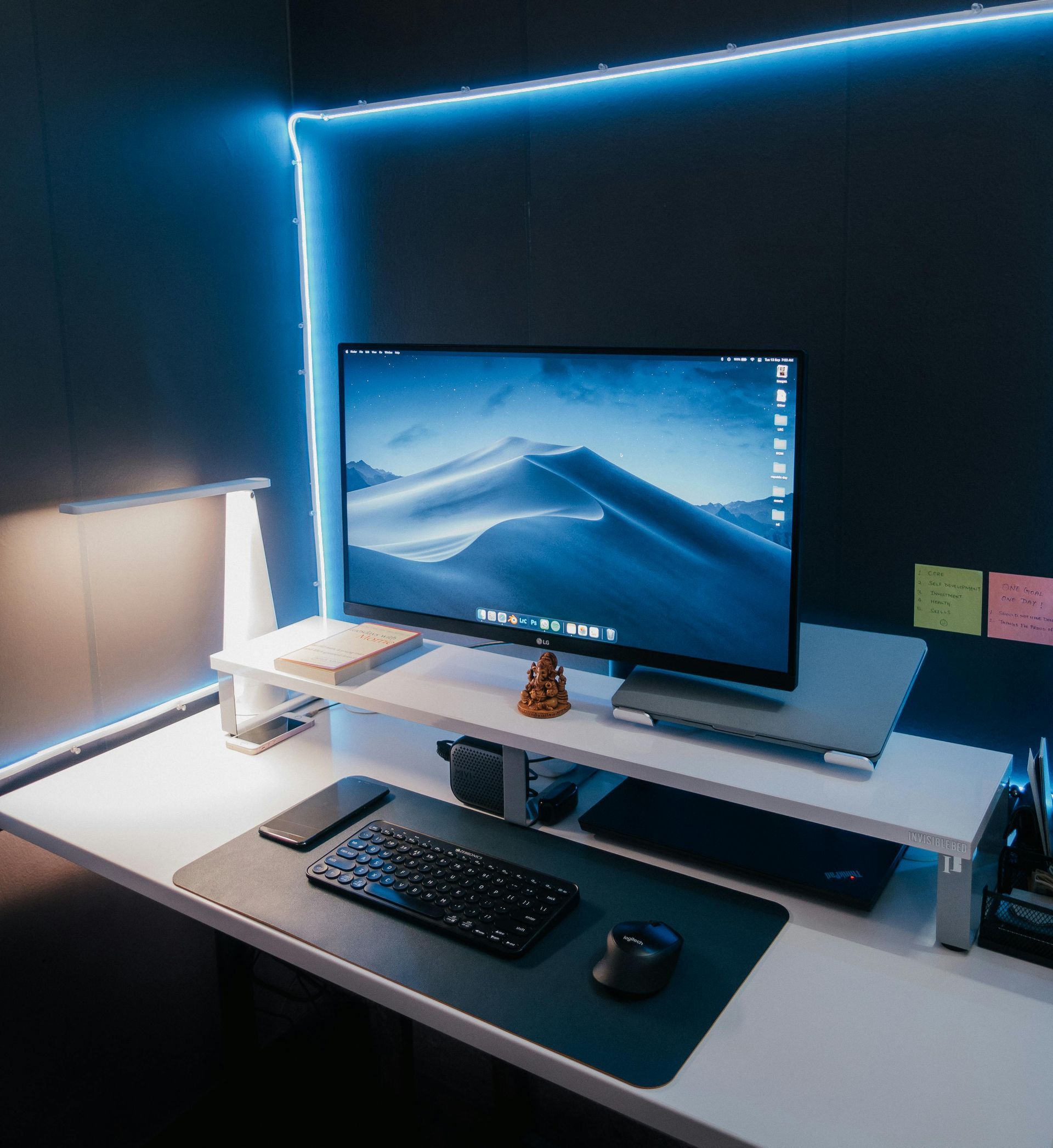
What Setup Includes After Purchase
Once you acquire the system, setup includes unpacking the hardware, connecting peripherals such as monitors and printers, creating user accounts with appropriate permissions, and installing software you use regularly. Files, bookmarks, and email accounts transfer from your previous computer so you can resume work without reconfiguring settings or searching for saved documents. The system updates to the latest patches before you begin using it.
P.C. Tamers configures antivirus software, adjusts privacy settings, and disables unnecessary trial programs that manufacturers preinstall on new machines. You also receive a walkthrough of the operating system interface, including how to access commonly used features, manage files, and troubleshoot minor issues independently. The setup process ensures the computer is ready for daily use without delays or confusion.
The service covers software configuration and data transfer but does not include hardware repairs, warranty claims, or ongoing technical support beyond the initial setup session. If you encounter issues after setup, separate support appointments address those needs. The consultation also does not include purchasing the computer on your behalf, though recommendations specify where to find the models discussed.
Questions About Buying and Setting Up New Systems
Goldsboro clients often ask what to prioritize when selecting a computer and how the setup process unfolds.
What is the most important specification to consider?
Processor speed and RAM determine how smoothly programs run, while storage capacity affects how many files and applications you can keep on the system without slowdowns.
How long does a new computer setup appointment take?
Setup typically requires one to two hours, depending on the amount of data being transferred and the number of software programs you need installed and configured.
Can you transfer files from a computer that no longer starts?
If the hard drive is intact, files can usually be extracted using external tools, though the process takes longer and may require a separate diagnostic appointment.
Should I buy a desktop or a laptop for home use?
Desktops offer more power and easier upgrades at lower cost, while laptops provide portability and space savings, so the choice depends on whether you work in one location or move frequently.
Do you install software I already own?
Yes, as long as you provide the installation files or access credentials, the setup includes configuring licensed software, plugins, and subscriptions you already use.
When you need clarity before purchasing or want a new system configured correctly from the start, reach out to P.C. Tamers for consultation and setup that matches your needs and budget.